Pokko for iPhone
Snap it, say it, share it. Ask later.
A pocket for everything you would otherwise lose. Give it to Pokko in a second and it is kept, sorted and on your Mac too.
In private testing; not yet in the App Store.
Pokko for iPhone
A pocket for everything you would otherwise lose. Give it to Pokko in a second and it is kept, sorted and on your Mac too.
In private testing; not yet in the App Store.
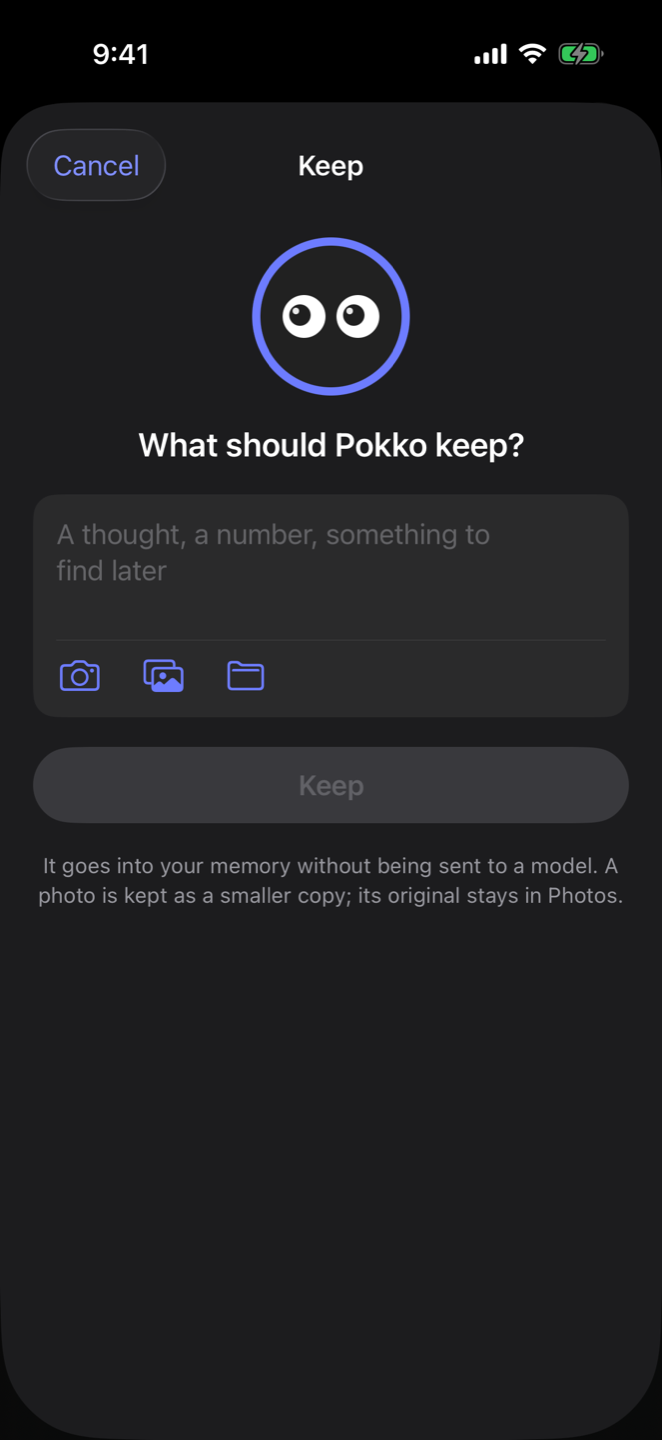
The plus beside the question box takes anything. What you keep goes into your memory without being sent to a model.
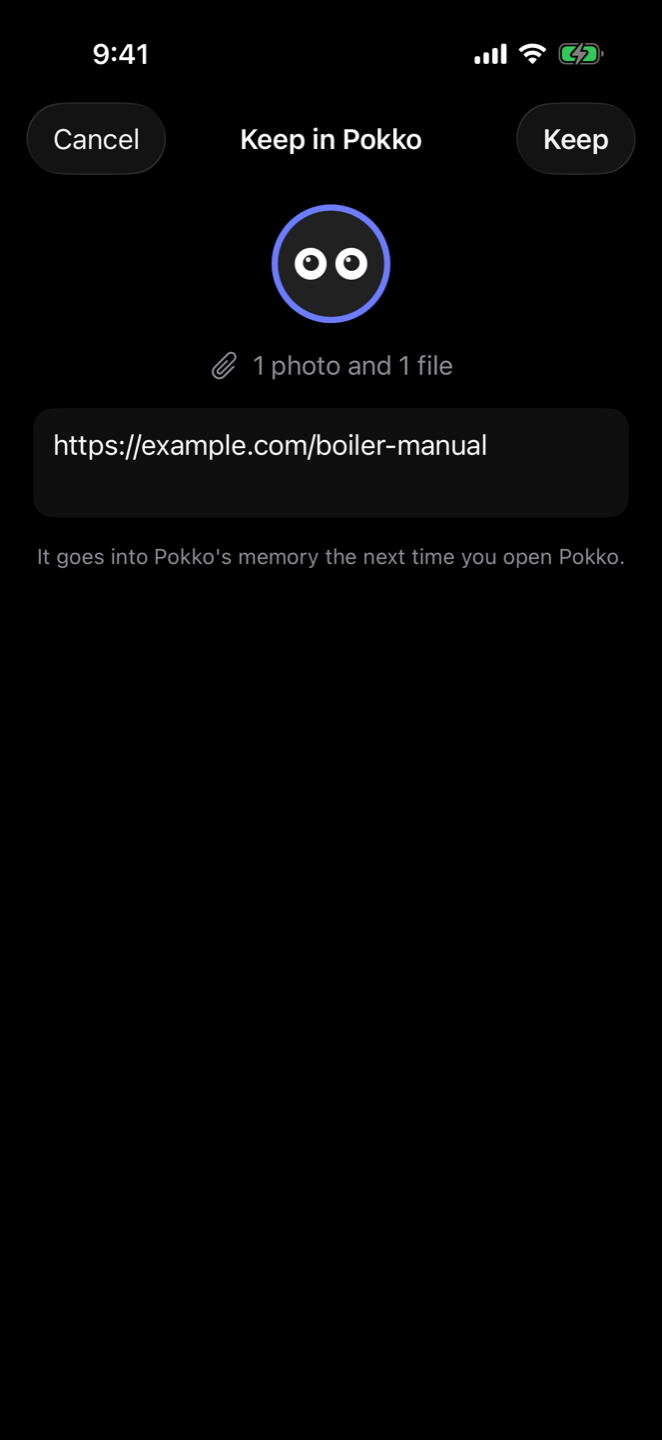
A link in Safari, a picture in Photos, a document in Files: Share, then Pokko. Choose which Pokko it is for and carry on with what you were doing.
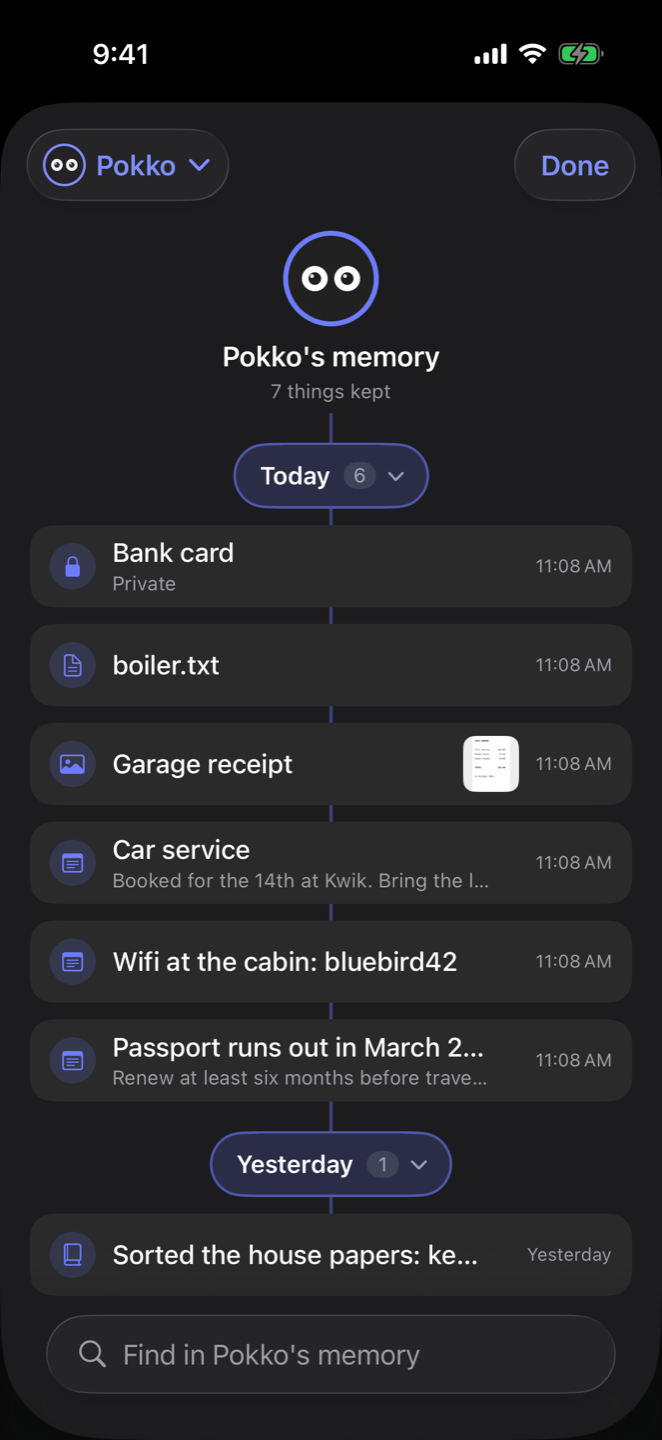
Pokko sits at the top. Today, yesterday, earlier this week and each month branch off below, and everything you kept hangs from its day, marked with what it is: a note, a photo, a file, a day's summary.
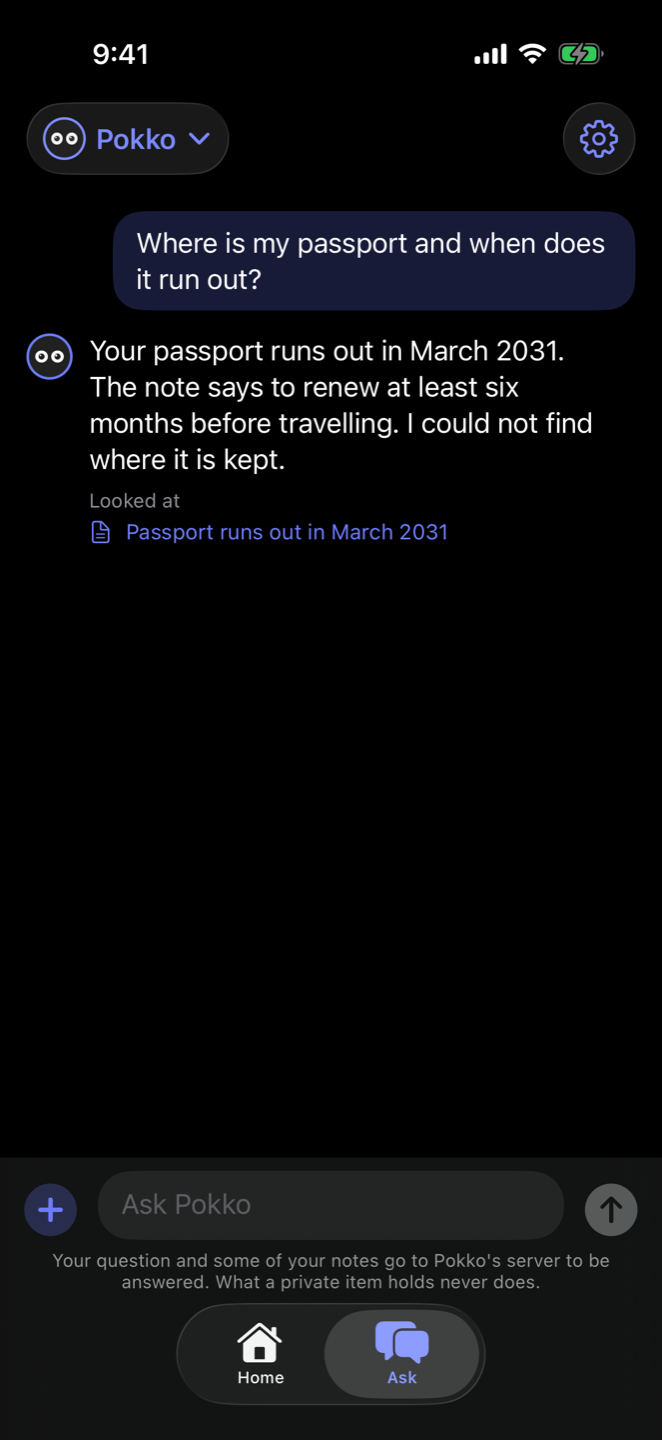
"Where is my passport and when does it run out?" The answer comes from what you kept, and shows which note it looked at.
Take a photo on the train; at your desk, ask your Mac to show you the photo you took this morning. Everything you keep on the iPhone is in the same memory as your Mac within a minute or so.
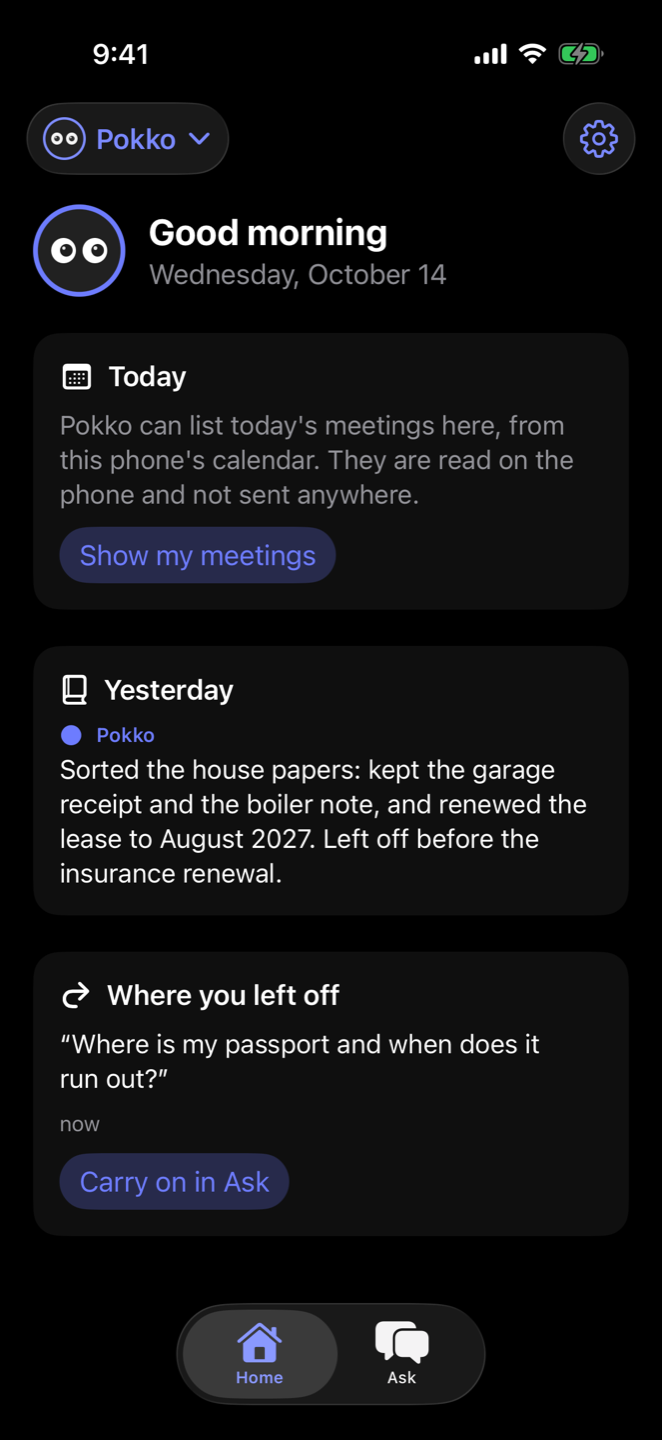
Yesterday in a few lines, your last question with a button to carry on, and today's meetings if you let Pokko read the phone's calendar.
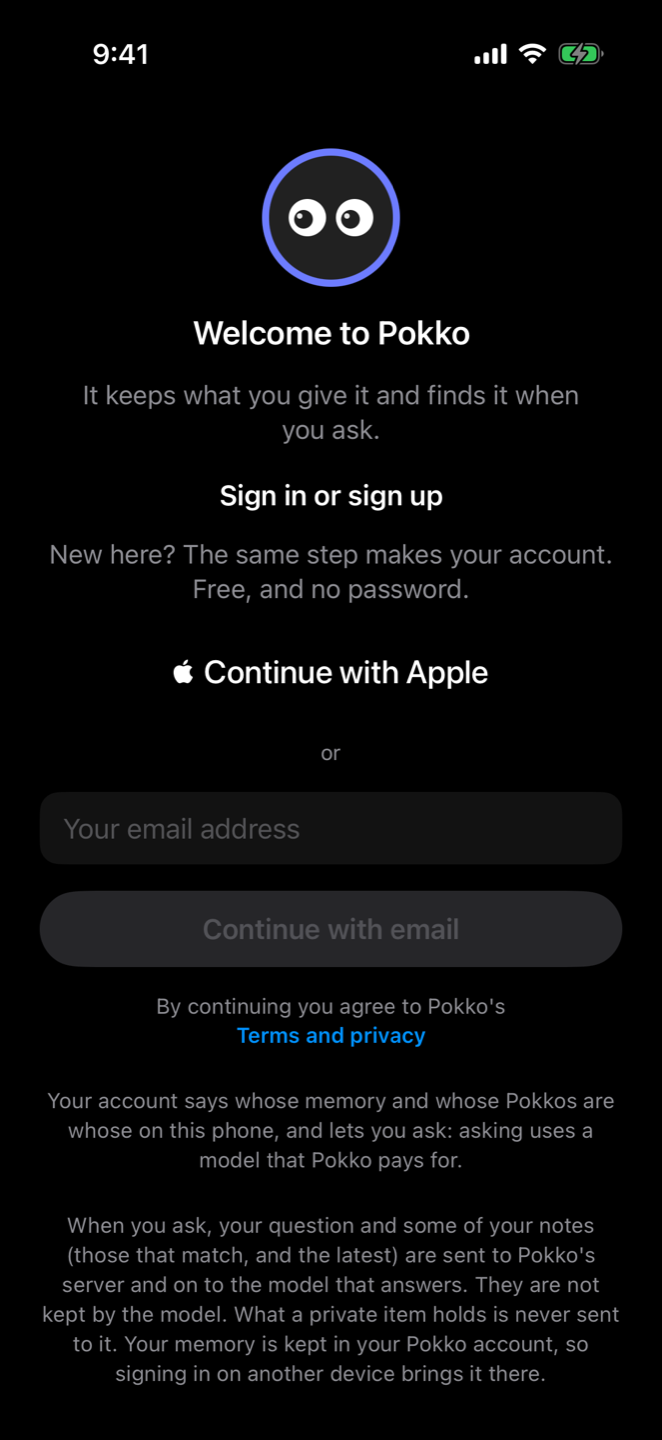
Continue with Apple, or a code sent to your email. There is no password. Your memory is kept in your account, so a new phone, or your Mac, has it as soon as you sign in. The terms are shown before you make an account.
Everything it does
| Home | Yesterday's summary, today's meetings from the phone's calendar, and the question you left off on. |
| Ask | A question about what is kept, answered by a model Pokko pays for. It shows the notes it looked at. |
| Keeps when told | Say something worth keeping in Ask and it is kept, and listed under the answer. |
| Keep | Type something, add photos or files, press Keep. Not sent to a model. |
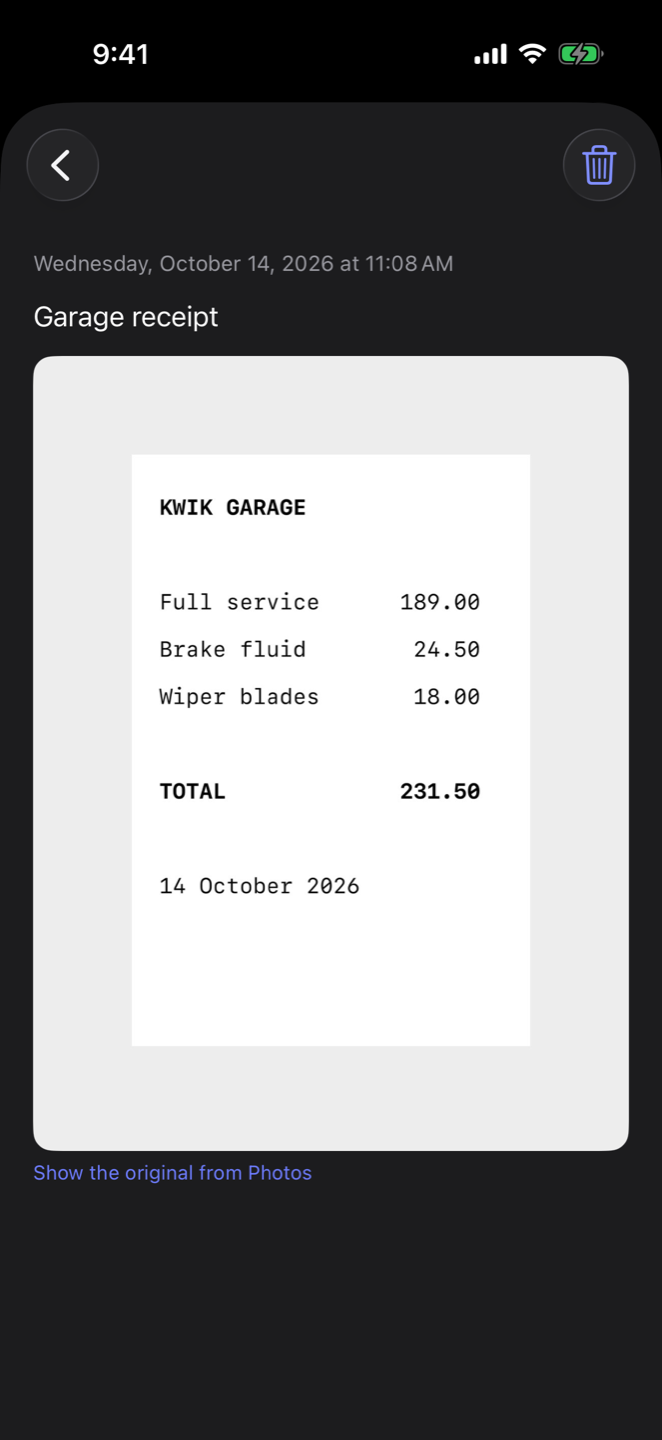
| Photos | A smaller copy that can still be read is kept, with a pointer to the original in Photos. |
| Files | PDFs and text files, found by the words in them. |
| Private items | Something that looks like an identity document or a bank card is kept private. |
| Memory tree | Everything kept, as a tree: a branch for each day or month, newest first, with search. Open an item, delete it. |
| Send to Pokko | Pokko in any app's share sheet takes words, links, photos and files. |
| Several Pokkos | Each with a name, a colour and a memory of its own. The ones from your Mac appear too. |
| One conversation with the Mac | What was said on the Mac is shown on the phone, and the other way round. |
| A day ends at four in the morning | Each day's conversation starts fresh; earlier days are found in memory. |
| Account | Continue with Apple, or a code by email. No password. |
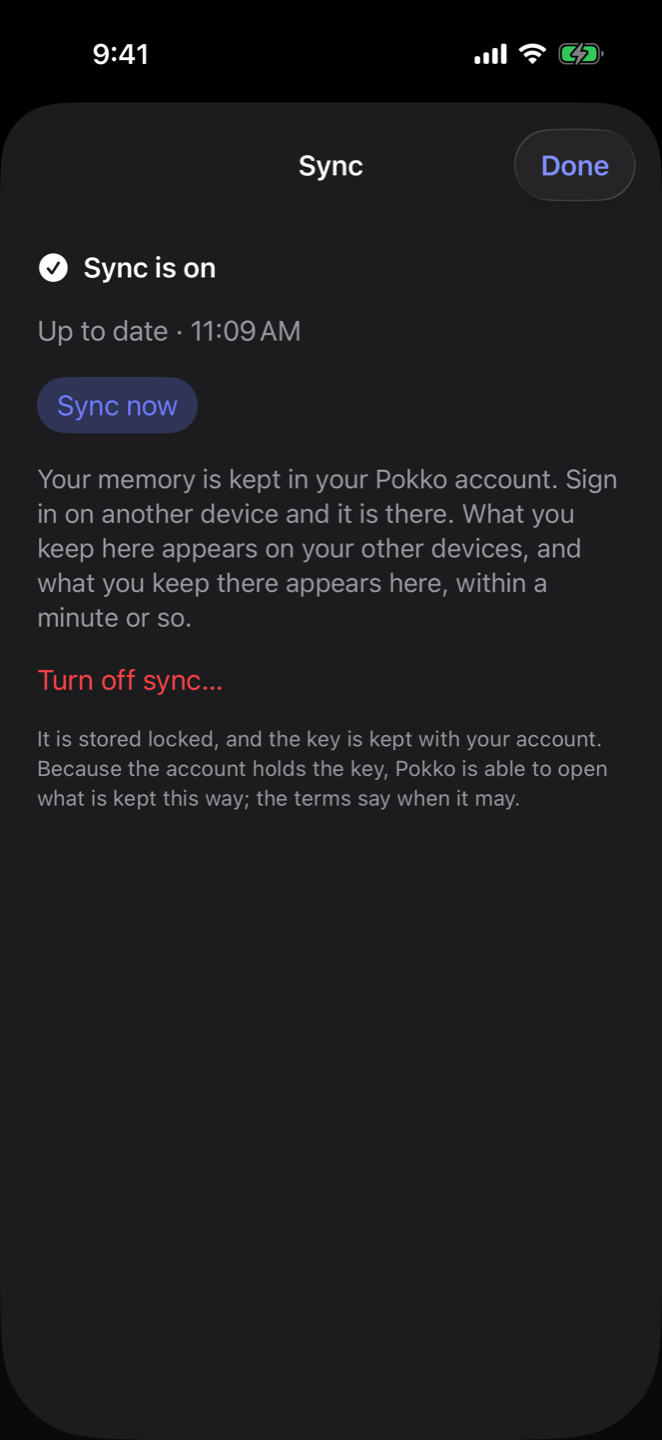
| Sync | Your memory is kept in your Pokko account and is the same on every device you sign in on. |
| Terms before you join | The terms and privacy are one tap from the sign-in button. |
| Dark or light | Dark unless you choose otherwise. |